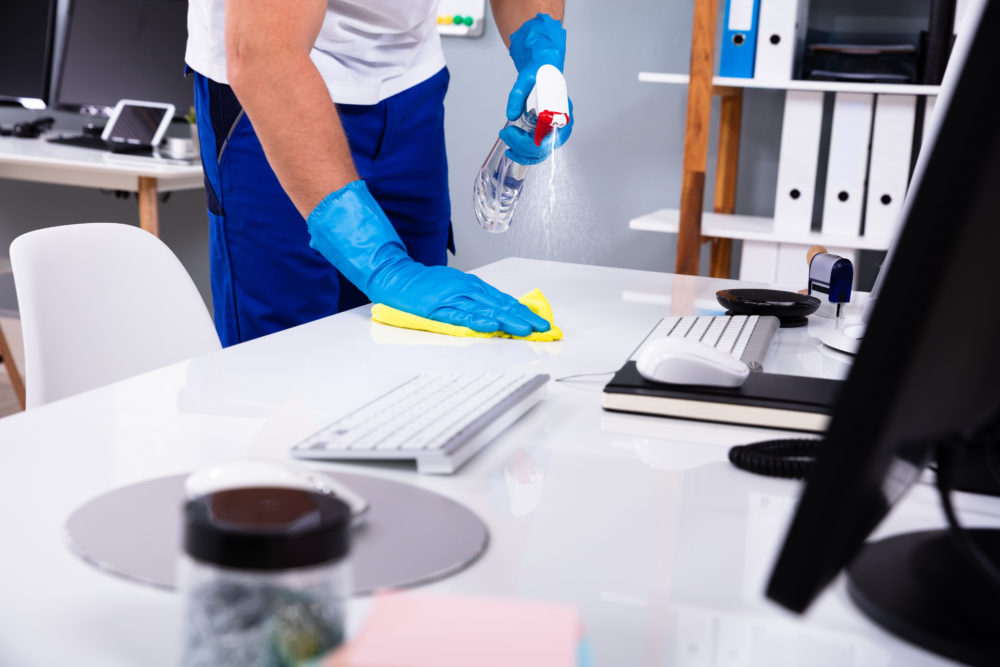
A clean workspace is more than a visual upgrade, it directly affects productivity, health, and mental well-being. Whether you work in a busy corporate office or a quiet home office, following the right office cleaning routine can dramatically improve focus, efficiency, and comfort.
This complete guide to office cleaning provides practical, easy-to-follow office cleaning tips you can apply immediately. From learning how to clean a computer screen safely to maintaining a clean office chair and understanding when to hire a commercial cleaning service, this article covers everything you need to create a clean, healthy, and distraction-free work environment.
Why Office Cleaning Matters More Than You Think
Office cleaning plays a crucial role in maintaining employee health and overall workplace performance. Dust, germs, and clutter can quietly build up, contributing to allergies, illnesses, and reduced concentration.
Key benefits of regular office cleaning
-
Improved productivity due to reduced clutter and distractions
-
Fewer sick days caused by bacteria and allergens
-
Better air quality and hygiene
-
Positive impressions for clients, customers, and visitors
-
Longer lifespan of office furniture and equipment
A consistent office cleaning routine helps create a professional atmosphere that supports both physical and mental well-being.
Office Cleaning Tips for Maximum Impact
Whether you work from home or share a workspace with colleagues, these office cleaning tips help maintain a tidy and productive environment.
1. Start with a daily desk reset
At the end of each workday, remove cups, plates, paperwork, and unnecessary items from your desk. A clean desk makes it easier to focus and start fresh each morning.
2. Control dust before it builds up
Dust can damage electronics and trigger allergies. Use a microfiber cloth weekly to wipe desk surfaces, shelves, monitor stands, and office accessories.
3. Sanitize high-touch office items
Keyboards, phones, mice, door handles, and desk surfaces are common germ hotspots. Clean these items frequently using electronics-safe disinfecting wipes.
4. Schedule deep cleaning services
Daily maintenance is important, but professional commercial cleaning services address hard-to-reach areas such as vents, baseboards, carpets, and upholstered furniture.
How to Clean Computer Screens and Office Technology Safely
Office electronics collect more dirt and bacteria than most people realize. Knowing how to clean a computer screen and other devices correctly helps protect both hygiene and equipment lifespan.
How to clean a computer screen
-
Turn off and unplug the monitor
-
Use a dry microfiber cloth to remove dust
-
For smudges, lightly dampen the cloth with water or screen-safe cleaner
-
Never spray liquid directly on the screen
How to clean a laptop screen
Clean laptop screens the same way as monitors, but tilt the device slightly to prevent moisture from reaching the keyboard or internal components.
How to clean a desktop monitor
Desktop monitors require gentle pressure and non-abrasive materials. Avoid harsh chemicals that can damage protective screen coatings.
How to Clean a Keyboard and Mouse Properly
How to clean a keyboard
-
Turn off or unplug the keyboard
-
Turn it upside down and gently shake out debris
-
Use compressed air to remove dust between keys
-
Wipe keys with a lightly damp microfiber cloth or electronics-safe disinfecting wipe
How to clean a computer mouse
-
Unplug or turn off the mouse
-
Wipe the surface using an electronics-safe wipe
-
Use a cotton swab lightly dampened with rubbing alcohol to clean around the sensor and mouse feet
Regular cleaning improves responsiveness and reduces bacteria buildup.
How to Maintain a Clean Office Chair
A clean office chair improves hygiene and extends furniture lifespan.
Fabric office chairs
Vacuum weekly using an upholstery attachment. Spot-clean stains with fabric-safe cleaners.
Leather office chairs
Wipe with a damp cloth and apply leather conditioner regularly to prevent cracking.
Mesh office chairs
Use a handheld vacuum or lint roller to remove dust and debris from mesh surfaces.
Home Office Cleaning: Stay Productive While Working From Home
Home office cleaning is just as important as corporate office maintenance. Since your home workspace is part of your living environment, cleanliness directly affects both work performance and personal comfort.
Home office cleaning tips
-
Create an end-of-day shutdown routine to tidy surfaces
-
Sanitize phones, keyboards, mice, and desk accessories regularly
-
Keep a small cleaning supply caddy nearby for quick touch-ups
-
Dispose of unnecessary paperwork to reduce clutter
A clean home office helps maintain boundaries between work and personal life.
When to Hire a Professional Commercial Cleaning Service
Even with consistent cleaning habits, professional cleaning delivers deeper sanitation. Commercial cleaning services are ideal for shared workspaces, large offices, and high-traffic environments.
Professional cleaners can:
-
Sanitize shared workstations and break rooms
-
Deep clean carpets, floors, and upholstery
-
Disinfect high-touch surfaces
-
Customize cleaning schedules to minimize disruption
Hiring a professional commercial cleaning service ensures your office remains hygienic and welcoming year-round.
Your Fast Track to a Cleaner Workspace
Maintaining a clean office does not have to be overwhelming. With consistent daily habits, proper equipment care, and occasional professional support, you can create a workspace that supports productivity, health, and peace of mind.
A cleaner office is not just about appearance, it is an investment in performance, comfort, and long-term success.
Frequently Asked Questions About Office Cleaning
What are the benefits of regular office cleaning?
Regular office cleaning improves focus, reduces stress, minimizes illness, and creates a professional environment for employees and visitors.
How often should office cleaning be scheduled?
Most offices benefit from weekly cleaning. High-traffic spaces may require more frequent professional cleaning services.
What is the safest way to clean a computer screen?
Turn off the device, use a dry microfiber cloth for dust, and a lightly dampened cloth for smudges. Never spray liquid directly on screens.
Can laptops and monitors be cleaned the same way?
Yes, but laptops should be tilted to prevent moisture from entering the keyboard area.
How do I clean my keyboard and mouse safely?
Shake out debris, use compressed air, and wipe with electronics-safe disinfecting wipes or alcohol-dampened cotton swabs.


